
Lyrics
Embedded lyrics, .lrc files, LRCLIB online fetch, synced karaoke-style highlighting, and the Lyrics sidebar library for browsing every song whose lyrics are already in your library.
How MacAMP resolves lyrics
MacAMP resolves lyrics from three sources, in priority order:
- Embedded tags — lyrics stored inside the audio file's metadata (ID3
USLT, VorbisLYRICS, etc.). - Sidecar
.lrcfile — a plain-text file with the same name as the audio file and a.lrcextension, placed in the same folder. - LRCLIB — an online lyrics database queried by title, artist, and duration when no local lyrics are found.
Online fetch is on by default. Offline sources (embedded + .lrc) are always tried first; LRCLIB is queried only when neither is found.
Synced lyrics
When a lyrics source includes timestamps (LRC format), MacAMP highlights the active line in real time as the track plays. The panel auto-scrolls to keep the active line centered.
- The active line is shown at full opacity in the primary text style.
- Inactive lines are dimmed to 50% opacity.
- Scroll and highlight transitions honor the system Reduce Motion accessibility setting.
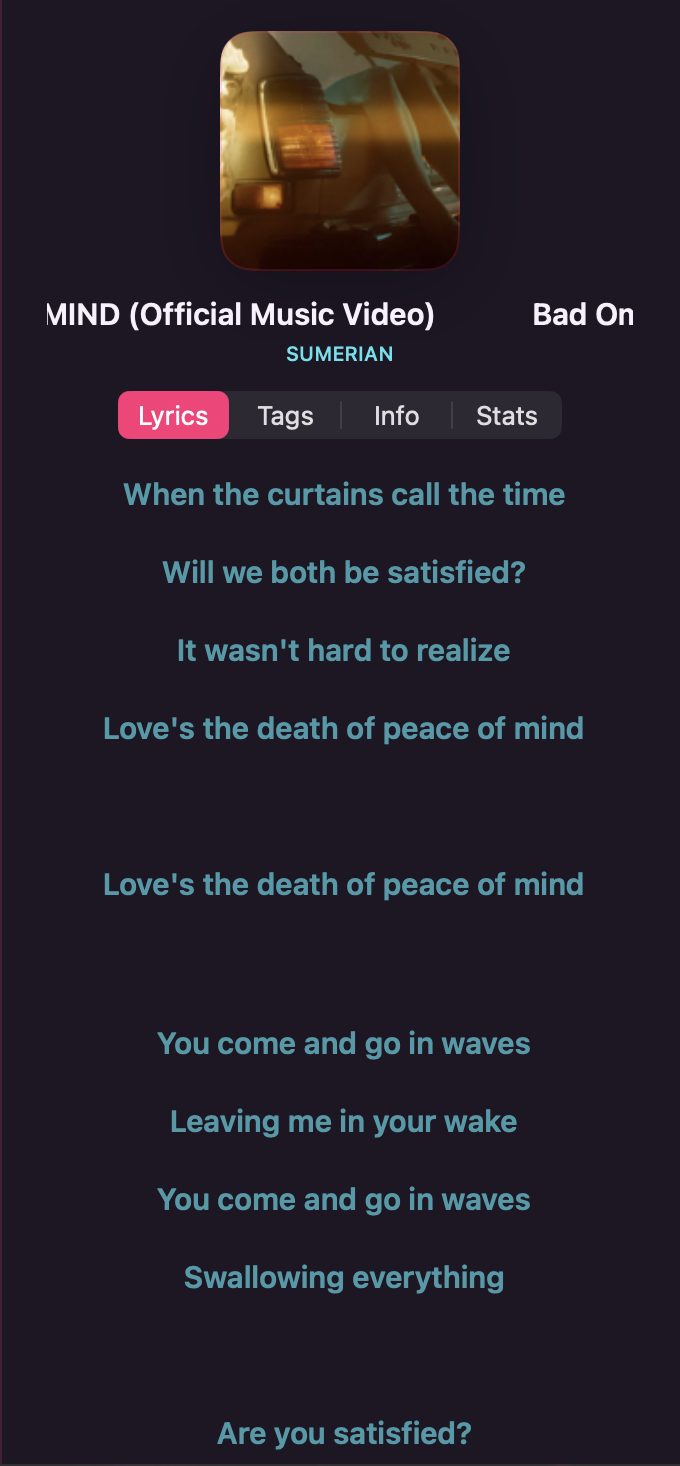
macOS — Lyrics panel
Use Toggle Right Panel in the toolbar, then select Lyrics.
The panel fills with a scrollable list of lyric lines. If no lyrics are found, an empty state shows a speech-bubble icon with a brief message.
macOS — Lyrics library
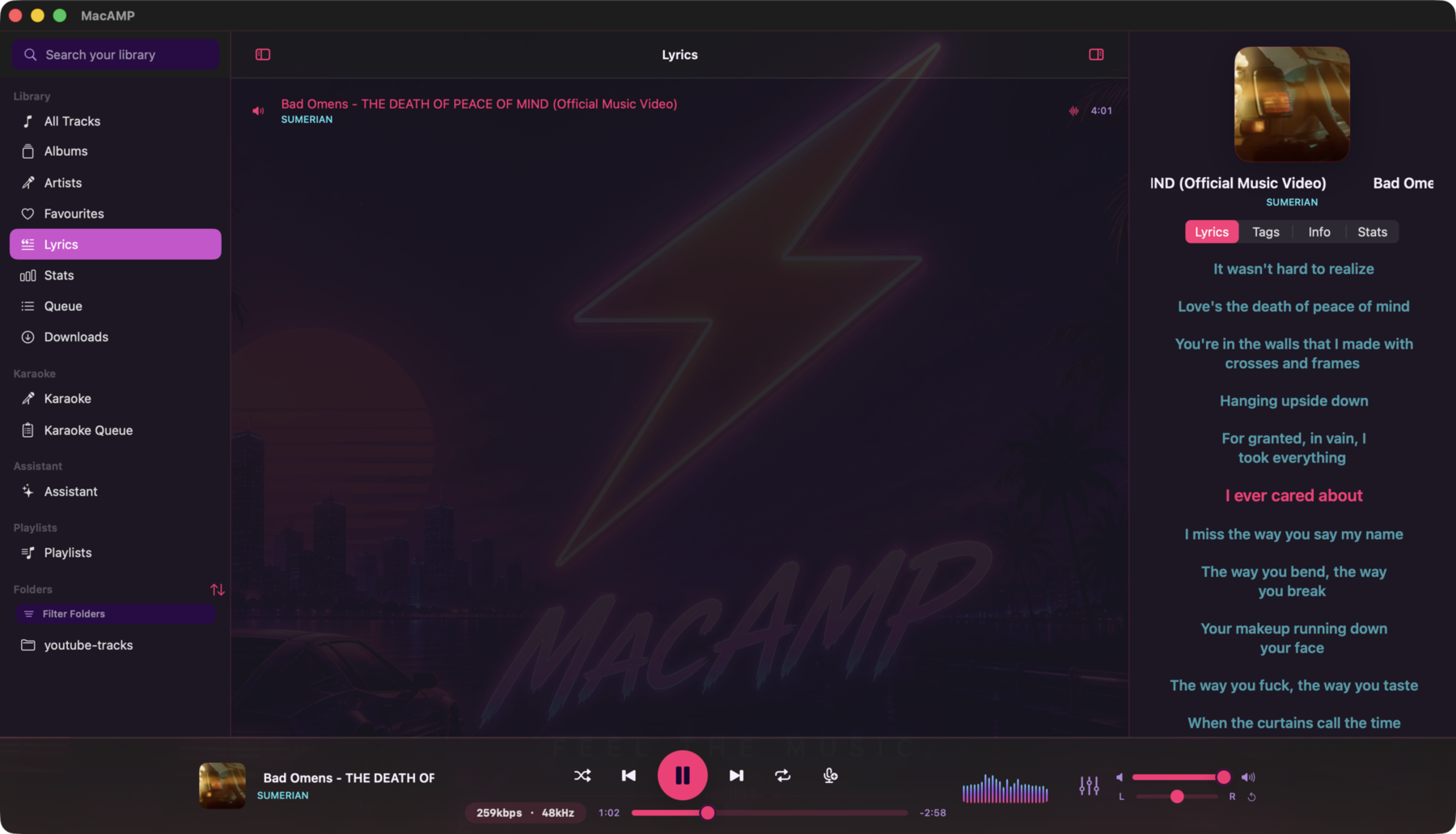
The Lyrics section in the sidebar lists every song in your library whose lyrics are already stored in MacAMP's database. Click it to open the lyrics library.
How the list fills
The lyrics library fills from three sources, all without requiring you to play a track first:
- Offline sweep — when MacAMP launches, it quietly scans your library for embedded lyrics and
.lrcsidecar files and writes any it finds into the database. This sweep runs once per launch, uses no network, and runs in the background so it never blocks playback or import. - Enrichment — the background enrichment service resolves lyrics for tracks it processes, including online sources when the online-lyrics setting is on.
- First-view resolve — clicking a track in any list opens its lyrics in the right panel. If lyrics haven't been fetched yet, MacAMP resolves them on the spot and adds them to the database, so the track appears in the lyrics library from that point on.
Browsing and previewing
Click any row in the lyrics library to preview that track's lyrics in the right panel without interrupting playback. The panel shows the lyrics in read-only mode, scrollable but not synced to any playing track. Double-click a row to start playing it.
The preview clears automatically when the previewed track becomes the currently playing track.
Online lyrics and the lyrics library
The Online lyrics setting (in Preferences) controls whether LRCLIB is queried when no local lyrics are found. When online lyrics are off, the lyrics library still fills from embedded tags and .lrc files — the offline sweep and first-view resolve both work without a network connection. Turning online lyrics on lets the enrichment service and first-view resolve also fetch from LRCLIB, which fills the library faster for tracks that have no local lyrics.
iOS — Lyrics sheet
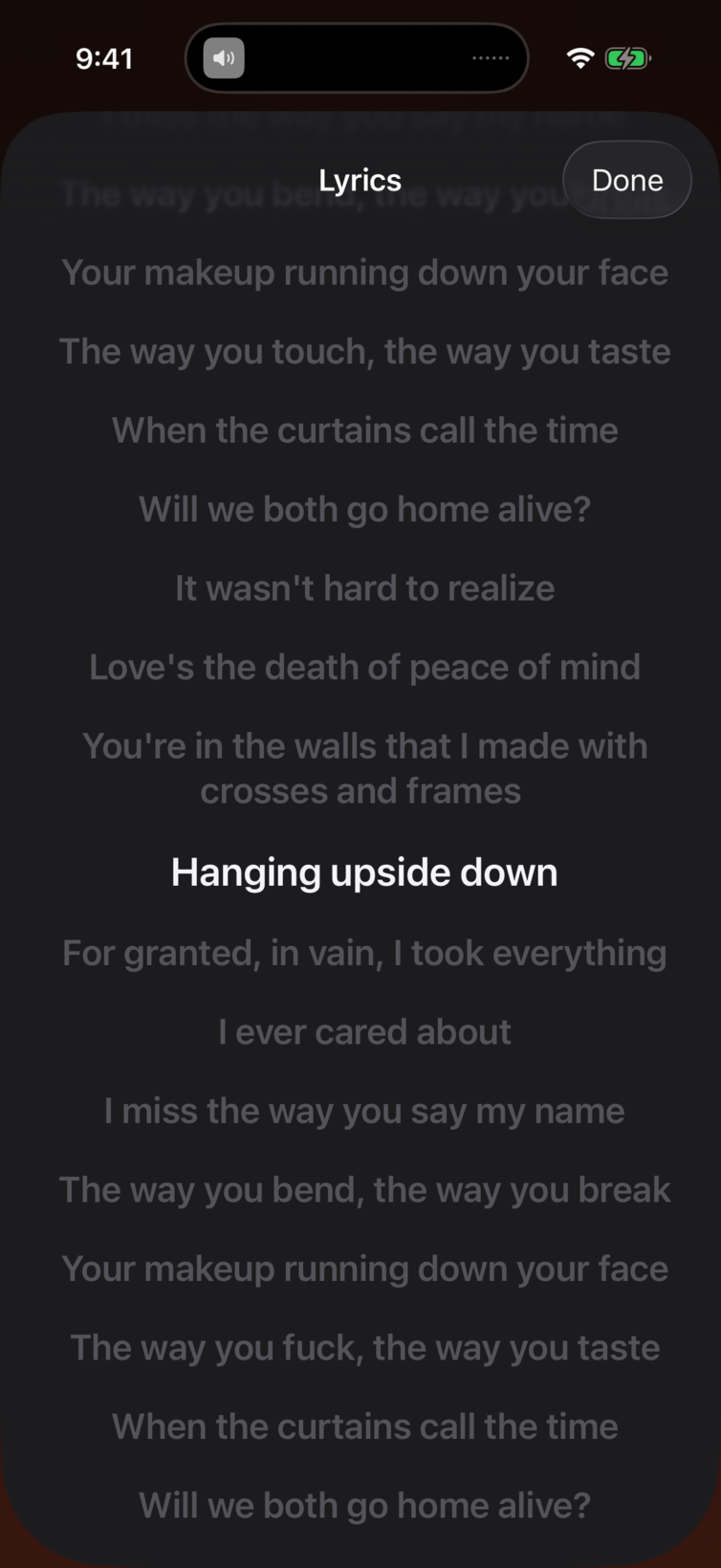
From the Now Playing screen, tap the Lyrics button (quote bubble icon) in the toolbar.
The lyrics sheet opens with the same synced-scroll behavior. Tap Done to dismiss.
LRC file format
A .lrc file is a plain-text file with timestamped lines:
[00:12.34] First line of the song
[00:15.78] Second line
[00:19.00] Third line
Place the .lrc file in the same folder as the audio file and give it the same base name:
/Music/Artist/Album/Track 01.flac
/Music/Artist/Album/Track 01.lrc
MacAMP picks it up automatically on the next play or the next offline sweep.
Troubleshooting lyrics
No lyrics appear: The track has no embedded lyrics, no .lrc sidecar, and LRCLIB returned no match. Try adding a .lrc file manually, or check your internet connection if you expect LRCLIB to find the track.
Lyrics are out of sync: The .lrc timestamps don't match the audio. Edit the .lrc file to adjust the timestamps, or find a better-matched file from a lyrics site.
LRCLIB fetch fails: Check your internet connection. MacAMP falls back to the empty state gracefully if the network is unavailable.
A track has lyrics but doesn't appear in the Lyrics sidebar: The track's lyrics may have been resolved using a composite cache key (artist + title + album + duration) rather than the file path. Play the track once to trigger a path-keyed resolve, or wait for the offline sweep to run on the next launch.
Visualizer
The compact spectrum on macOS and the Metal visualizer sheet on iOS.
Karaoke Mode
Remove vocals from your tracks and sing along. How to enable karaoke mode, create karaoke versions on demand, pick a quality, manage the cache, find ready tracks, remove karaoke versions, and what the current limitations are.