
Visualizer
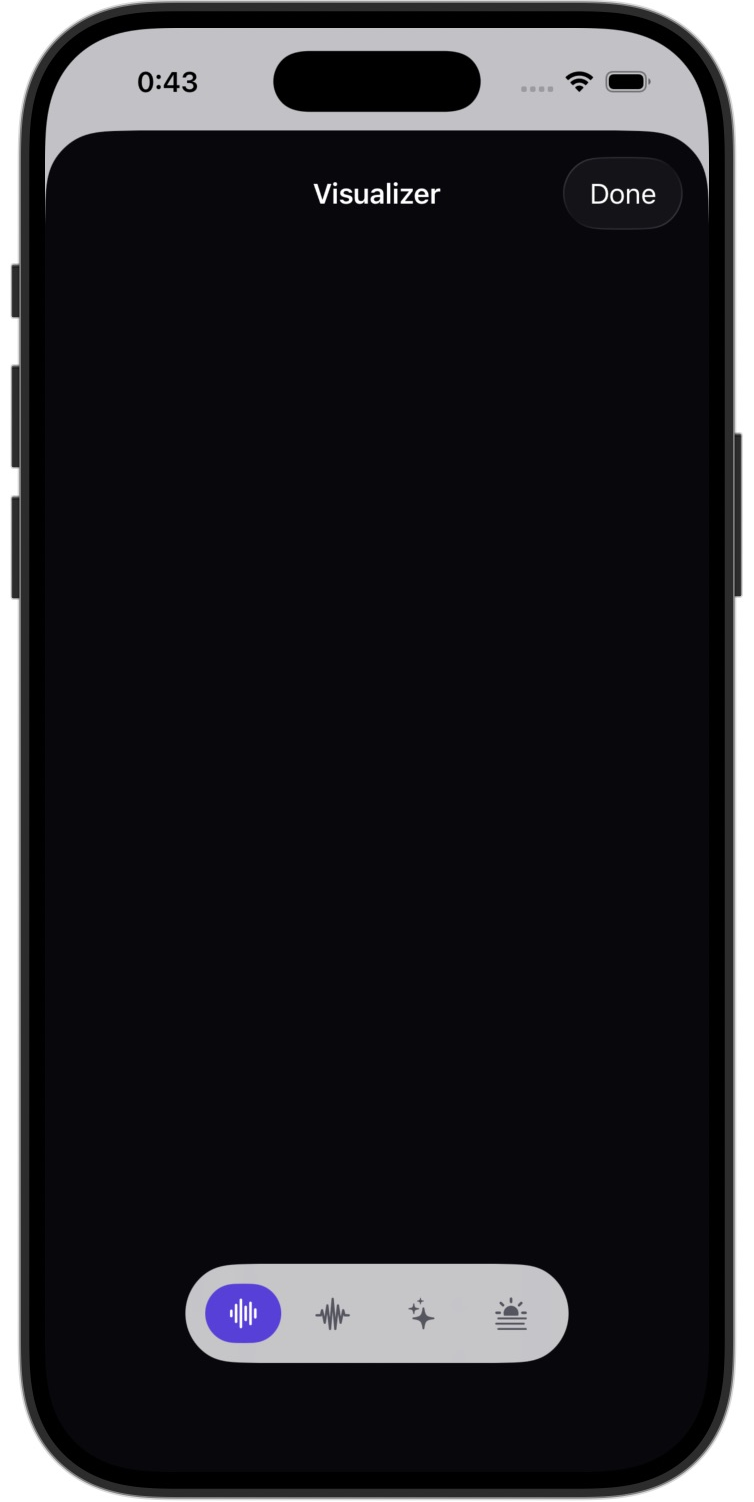
The compact spectrum on macOS and the Metal visualizer sheet on iOS.
MacAMP displays a compact spectrum in the macOS player and a dedicated visualizer sheet on iOS.
Modes
Both players offer four modes:

| Mode | Description |
|---|---|
| Bars | Classic frequency-spectrum bar graph, accent-colored |
| Oscilloscope | Waveform trace of the audio signal |
| Particles | Particle system driven by the spectrum amplitude |
| Aurora | Flowing aurora-style gradient animated by the spectrum |
macOS — compact spectrum
Look for the spectrum beside the volume controls in the player bar. It also appears in the expanded player. Click the spectrum to cycle through the modes, or choose a mode in Settings > Visualizer.
Use Show Visualizer in Player Bar in that section to show or hide both compact spectra.
iOS — visualizer sheet
From the Now Playing screen, tap the Visualizer button (waveform circle icon) in the toolbar.
Use the mode buttons at the bottom of the sheet. Tap Done to return to Now Playing.
Choosing the mode in Settings
Settings > Visualizer > Default Mode changes the current mode on both platforms. On macOS, MacAMP also remembers this choice for its next launch.
Equalizer and ReplayGain
The 10-band graphic EQ, parametric EQ, crossfeed, presets, and ReplayGain normalization modes.
Lyrics
Embedded lyrics, .lrc files, LRCLIB online fetch, synced karaoke-style highlighting, and the Lyrics sidebar library for browsing every song whose lyrics are already in your library.